
Core RPG handbook · Development build / version notes
Documentation / Tile Tick Core RPG / Designer
Combat, Magic and Ranged
The combat triangle uses one shared combat flow, then swaps the attack source, range rules, costs, animation, projectile, and damage type based on the chosen style.
Melee, ranged, and magic are not three unrelated combat systems. They share target selection, timing, hit resolution, damage splats, XP rewards, and command flow.
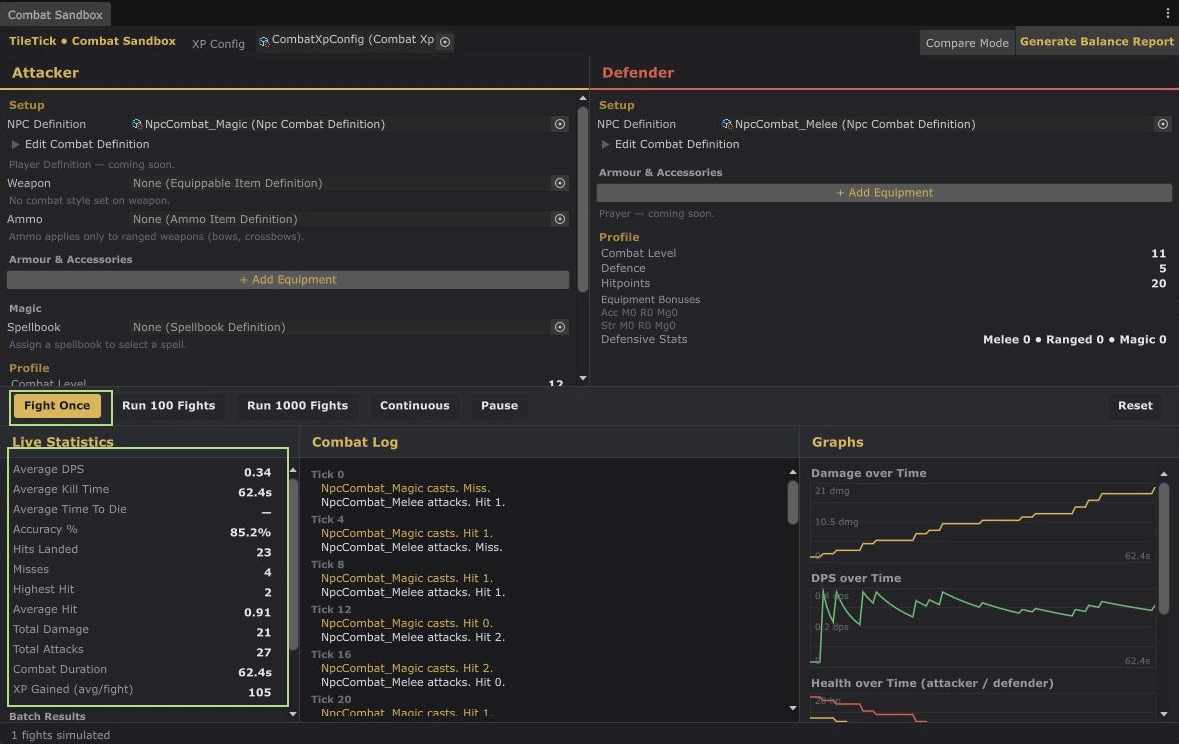
Main combat flow#
- The player or NPC chooses a target.
- An attack command moves into range when needed.
- The active attack style builds the launch information.
- Ammo or runes are checked and consumed.
- A projectile is launched when the attack uses one.
- The combat formula resolves accuracy and damage.
- Damage, XP, effects, and retaliation are applied.
Combat styles#
CombatStyleSetDefinition and WeaponAttackStyle define the buttons shown in the combat panel, the attack type used, and which skills receive XP. This makes weapon style setup data driven instead of putting weapon names into code.
Ranged#
- Ammo categories let weapons and ammunition declare compatibility.
- UnitAmmoSupply provides the equipped or available ammunition.
- Projectile definitions control visuals and movement behavior.
- Ranged attacks can work across separate grids when line and range rules allow it.
Magic#
SpellbookDefinition contains the spells shown in a spellbook. SpellDefinition controls rune costs, level requirements, cast type, projectile, visuals, and spell effects.
Included spell effect patterns#
- Damage and combat casting
- Teleporting
- Alchemy
- Applying gameplay modifiers
NPC combat#
NPC attack selectors can choose melee, ranged, or magic based on the NPC definition and current situation. Tribrid enemies can change style instead of being locked to one attack type.
Death and protected items#
PlayerDeathController handles death and respawning. DeathItemDropResolver decides which inventory and equipment items are dropped and which are protected. IDeathItemProtectionProvider lets prayers or future systems change the normal protection count.